Showing posts with label Notes. Show all posts

Saturday, June 1, 2019

Quain Courtyard pt 4, mild success

I have written before about getting game ready assets, but this time I approached scanning in a totally different way. Actually, I think it was ultimately a bad way to do this. Plus, I realize a lot of things here that simply need to be redone.
https://drive.google.com/open?id=1yHXE2Gp5NKyeFHSFZbfRDL9HpJDpTSiC

Note the screenshots are totally out of order. I've added captions for clarity


Unity's expert guide goes into various definitions of capturing different types of objects and emphasize collected different pieces. So I decided to strategize and break up the space according to... what felt right... and now I've learned what worked and what didn't.

I've talked about preparing game ready assets in my previous projects.
These are the steps I used this time:

1. In Zephyr, make a clean selection of the dense mesh. Generate mesh, then texture mesh.
2. Decimate the mesh to something reasonable. (*you could export out and retopo and UV here) Generate textured mesh again for the lo poly mesh.
3. Export both, and enable resize to single texture.

4. In substance designer, load both.
5. Open the lo poly mesh in the baker. Assign the high poly mesh.
6. Bake all maps

7. Import lo poly mesh and all maps into unity
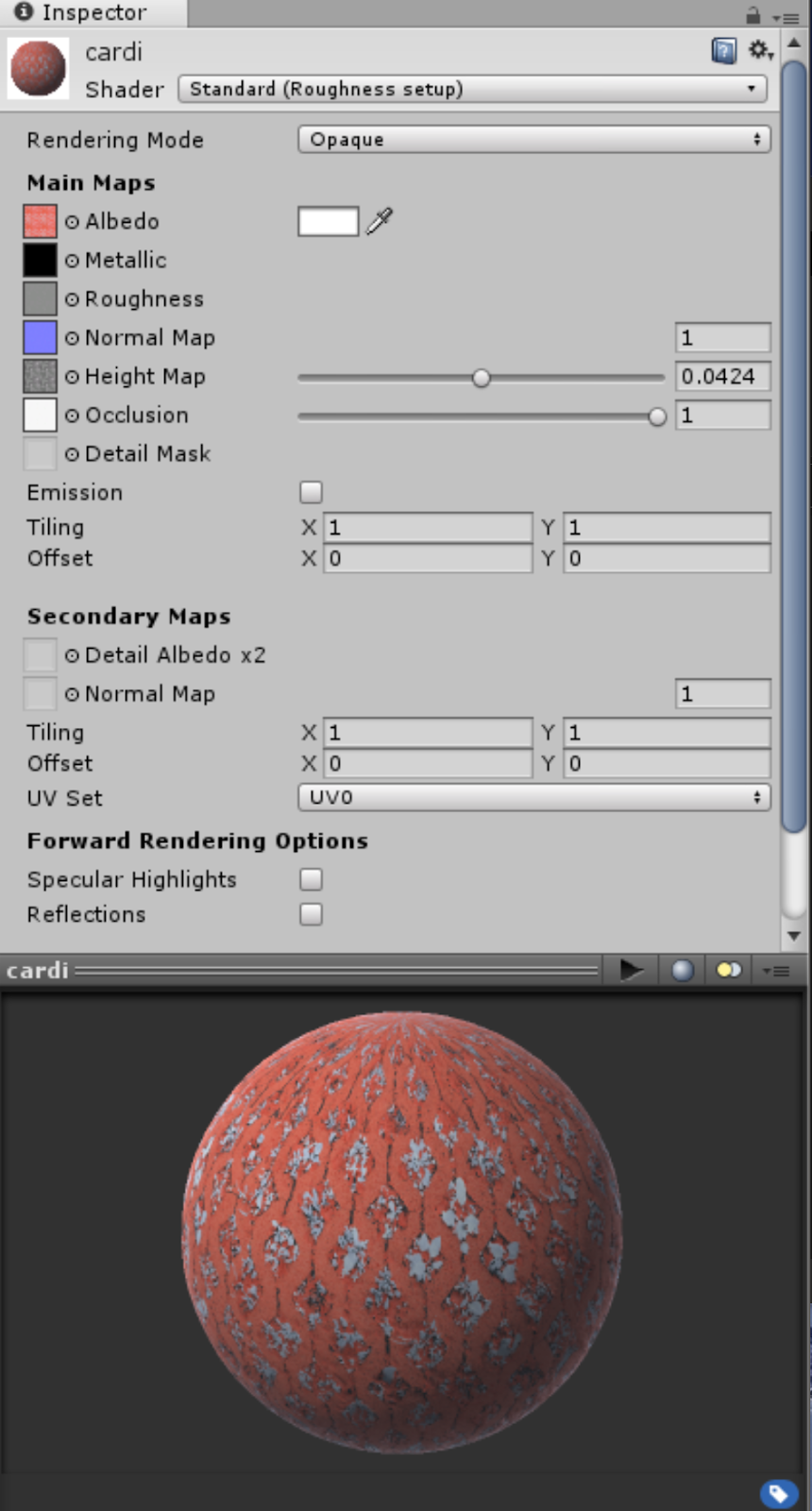
8. Create new material (or dupe existing material to reuse settings) plug in maps

--

Overall, some combinations worked better than others.
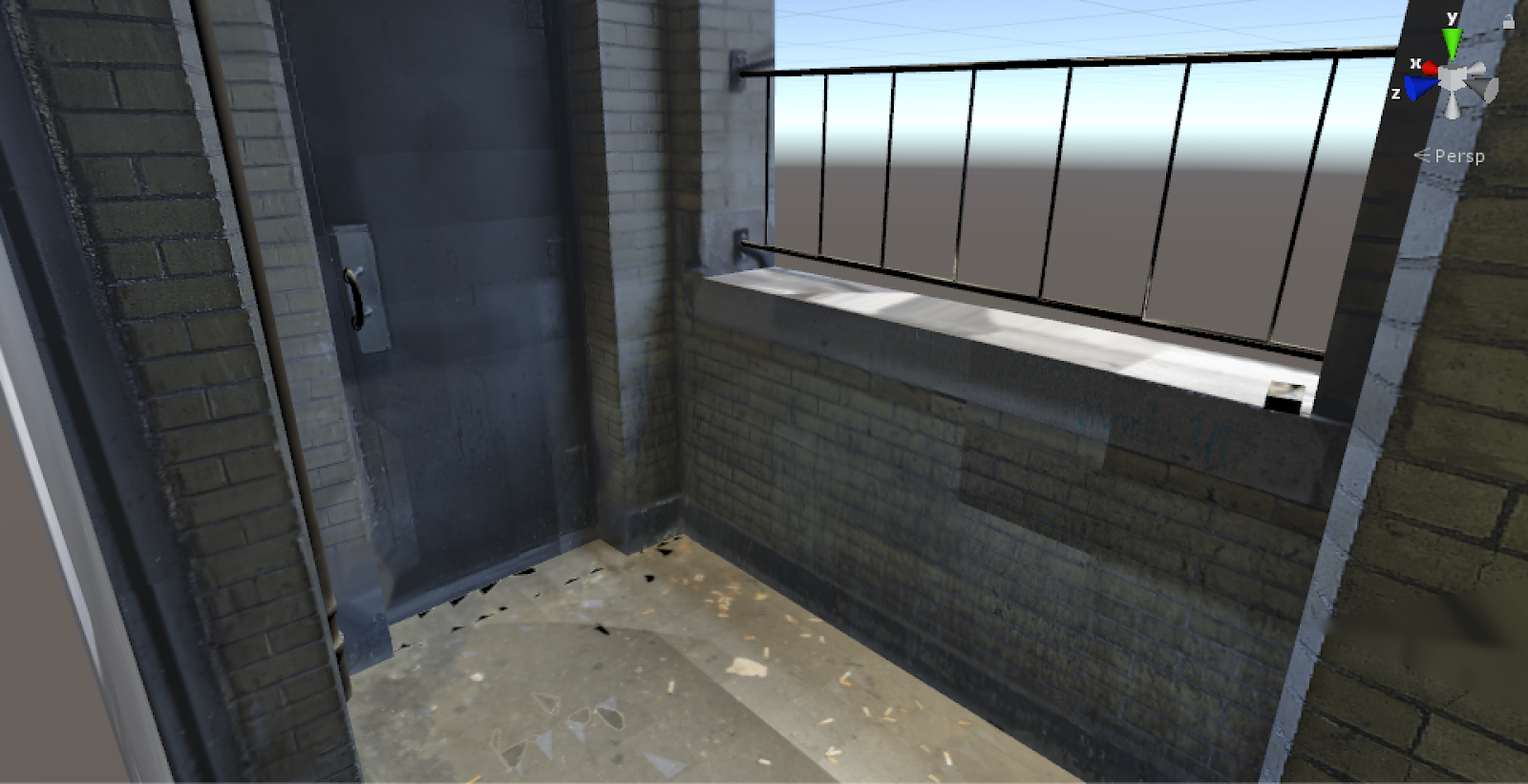
this one looks okay
I thought I could optimize this asset by capturing around the edges...
...and filling in with a material. In reality, I'm not saving that many polys.
scan vs model

maybe both?
surprisingly pleased about this one, however the scan quality is lacking. but the two decorative pieces merged well.
too many things overlapping...


Things that are going wrong...
  • My world scale is so completely wrong. Photogrammetry is not a precise method and so, the reconstructions were all over the place. I should have centered all my assets before exporting. I found myself nudging rotations back and forth, baaaack and fooorth, scaling by 70-80% down, carefully eyeballing everything into place. Plus the Z-up axis didn't help. Actually I'm really glad I had the 360 reconstruction (layout pass) to help place everything.
  • ARGH!
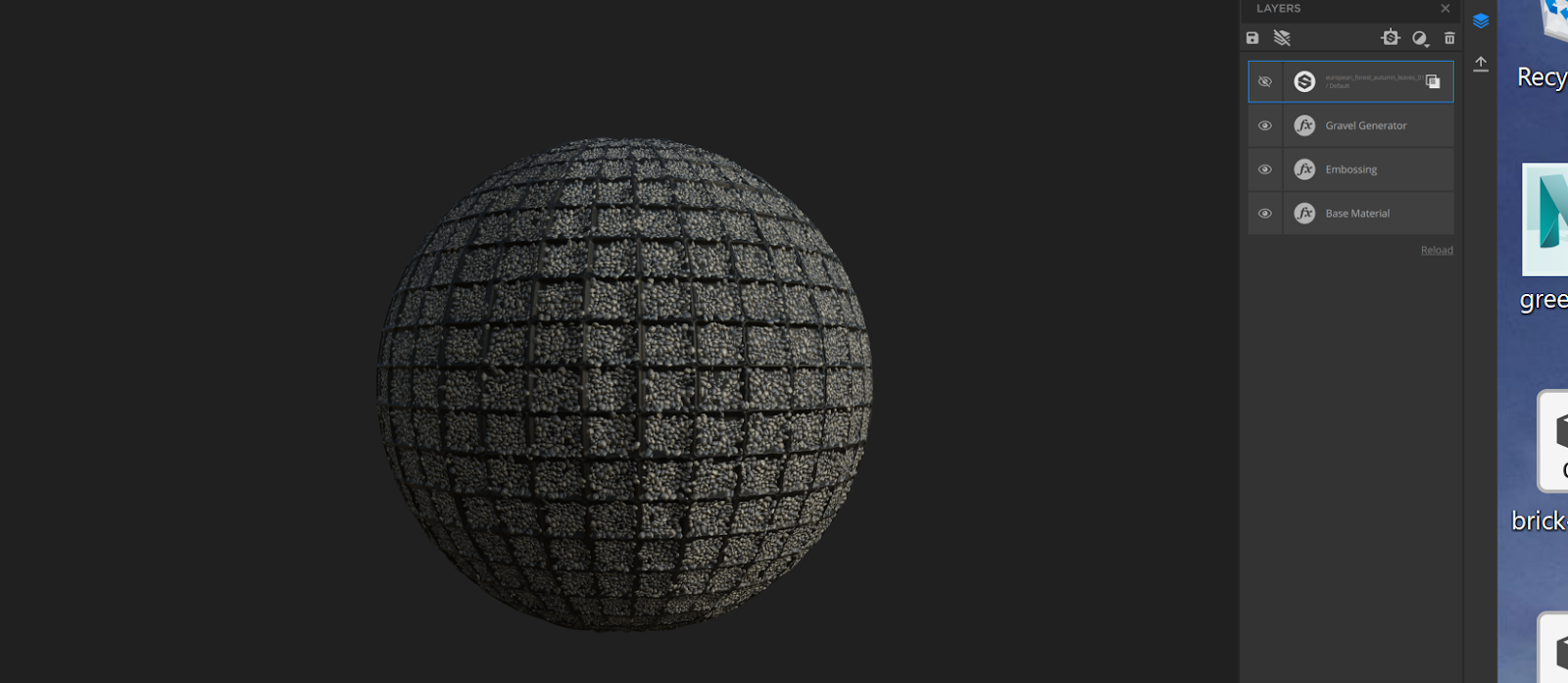
  • The materials I generated in Alchemist didn't totally translate over to Unity. I kind of expected that, but one thing I got really stuck on is the vertex displacements. The height maps look so pretty in Substance! And after some research, I realized you can in fact, do real geo displacements
    https://blogs.unity3d.com/2019/02/12/creating-an-interactive-vertex-effect-using-shader-graph/

    But right now I'm stuck on this issue
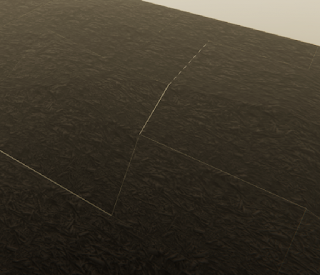
    the height separates the faces


    In which, increasing the height value does not displace the silhouette of the mesh, but instead, causes these separations between faces. I need to ask someone who knows more about shader devving to clarify whats going on.
  • The other issue I had with material scanning was texel density, again, due to mismatched world scale elements. Currently, if the game camera is more than a few feet away from one of the materials I made, the repetitions become obvious. While yes, it is tileable and somewhat parametric document, I can't make up for the texel scale issue. That is, if I want my bricks to be brick sized, the material has to repeat dozens of times. Even in something as random as the concrete (which had an extra randomizing filter on it) the repetitions are obvious when they're far enough away.
    I should have listened to Unity, and photographed a meter square to ensure a meter of texel density.
  • Foliage is totally out of scope.
Things that went right
  • The HDRP is a dream to work with. As the director of one of Unity's short film demos describes it: "High Definition Render Pipeline (HDRP), which — from an artist perspective — just automatically makes things look nice." https://blog.siggraph.org/2019/03/an-irresistible-way-to-make-films-using-real-time-technology-for-book-of-the-dead.html/
    • Actually this is a really exciting observation for the state of computer graphics... tools like the HDRP and Alchemist are helping things just automatically look nice. I'm here for it. 
    • She also uses the word 'opportunistic' to talk about her work. I love the idea of games being spontaneous, opportunistic, since it is traditionally such slow and unforgiving work.
  • The materials were gorgeous to look at anyways, and the Substance plugin was great to work with. Tri-planar projection solves SO many problems-- it improves on UV mapping (doesn't quite erase it except in simple scenarios), it unifies the world scale (so multiple assets can share the same material, plus a mesh can be scaled up / down without affecting the material). There are more features to talk about here, but all in all a total lifesaver. None of that back and forth targa export nonsense.
  • The layout pass (the 360 quick pass reconstruction) was EXTREMELY helpful. It served as a blueprint of the space to iterate on.
General takeaways.
  • Realizing most of these assets are better off modeled, like walls. 
  • Realizing that delighting is not just a 'clean' albedo, its also color matching and ensuring matched shaders. 
  • Realizing that polycounts are not as restrictive in my head
  • Restraining myself from brute force cleaning assets... I know I can make things look good if I sink hours into it... my goal is to determine best practices, not output a portfolio piece. 


Final polishing touches:


  • Water? in the foutain?
  • Obtain a HDR latlong image for the sky. Examples here:
    https://assetstore.unity.com/packages/essentials/beta-projects/unity-hdri-pack-72511
  • While I'm at it... actually I just wanna reshoot the whole thing again. This video from Gnomon https://www.youtube.com/watch?v=IU5XTtS6ALk demonstrates capturing an indoor, architectural space for VR. This trailer goes through the whole process in a timelapse.

    Looking at the camera icons, he just brute force shot a ton of photos. We can see some individual assets are processed, but mainly, he's working with this giant dataset. This is kind of opposite to my approach this term so I'm really interested in replicating it, especially with the 360 camera.


Thursday, May 16, 2019

More on Material Scanning... with Substance Alchemist!

I'm very excited to talk about Substance Alchemist, it has really solved a huge chapter in my reality capture explorations.

The methods I had previously researched for material scanning were tedious and required a lot of manual labor. Out of all the scan based material authoring methods, I can generally group into two procedures: one is using only photo data, and the other is using geometry from photogrammetry.

Photo-only: https://www.youtube.com/watch?v=kDMz6djZCkc
Geo baking: https://www.youtube.com/watch?v=HMPZV_Se8W0


I had plans to compare geo based workflow to photo based workflows... and I was getting stuck on the amount of time needed. To pull maps off of a photogrammetry reconstruction, I need to re-topo and UV a clean mesh first. This is fine for one or two materials, but to process more than that would be a lot. 

The other documented method recommends building a scan box to control light, which is cool, and provides a lot of accuracy. If I was scanning a large batch of say, fabric samples that are all roughly the same size, this would be awesome. 

It's DIY but it's also pretty complicated. 
However, applying it to shooting on site, usually outdoors, sometimes vertically... I'd have to engineer some kind of portable scanbox and probably have an assistant to help with lighting. 

Throughout all this research, I came across Substance's announcement for their new Project Alchemist, which threw all the above out the window. 

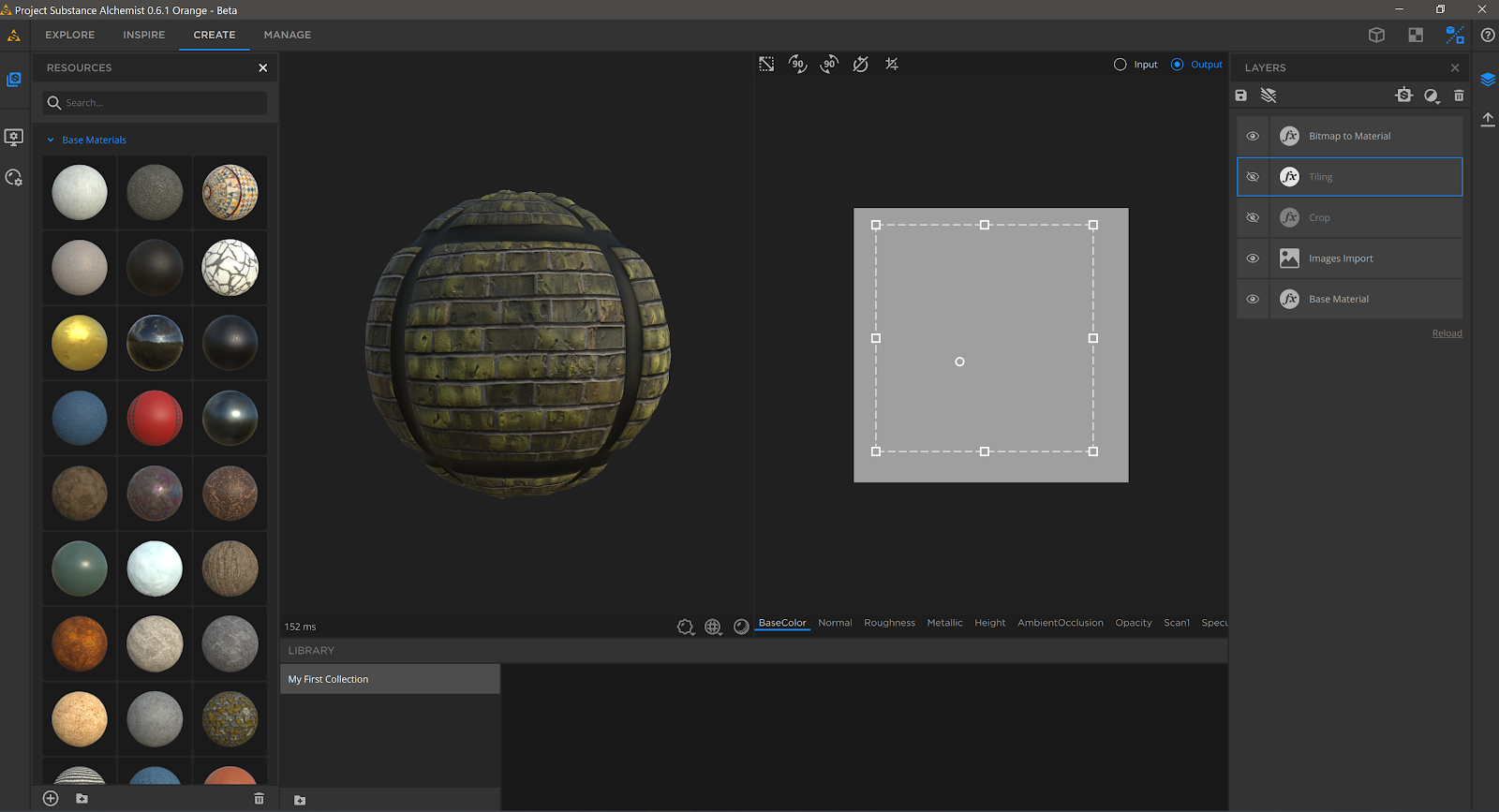
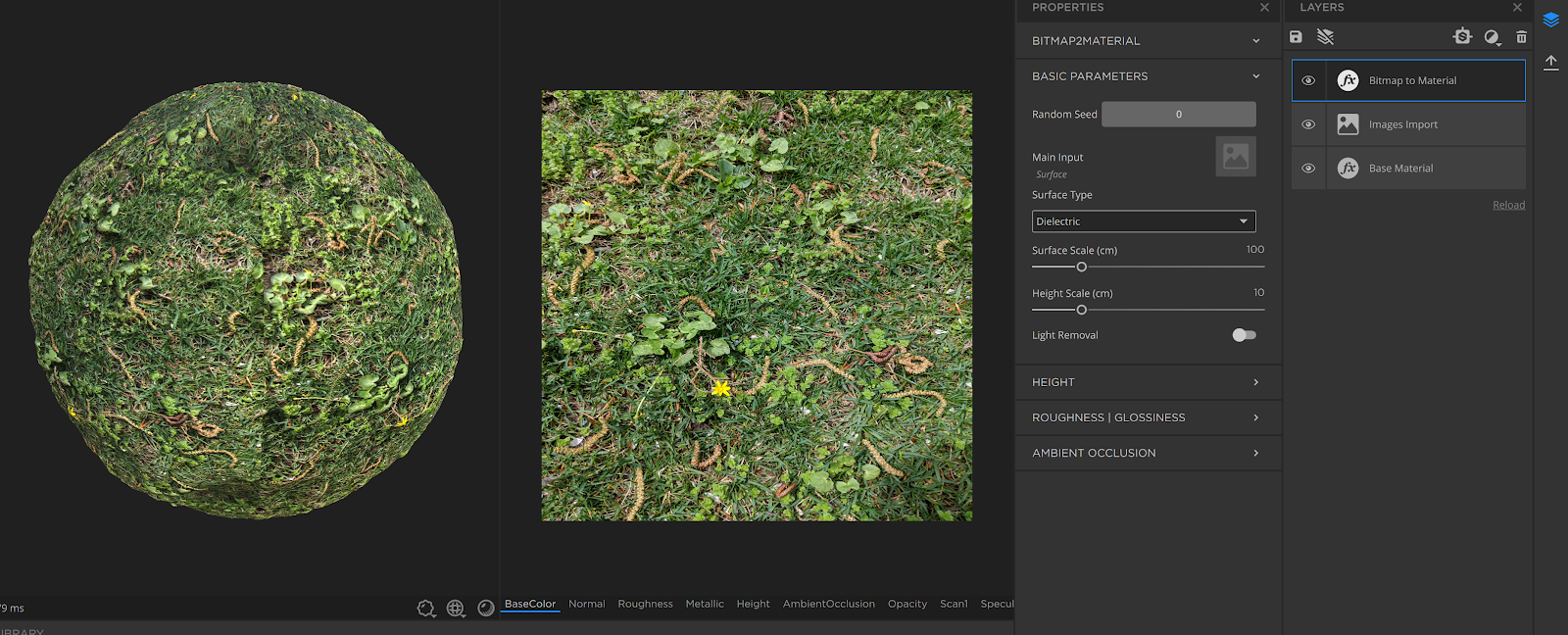
I took my baked brick photo texture, literally drag and dropped it into a new document, and immediately got this:


A few minutes playing with the auto tile feature...


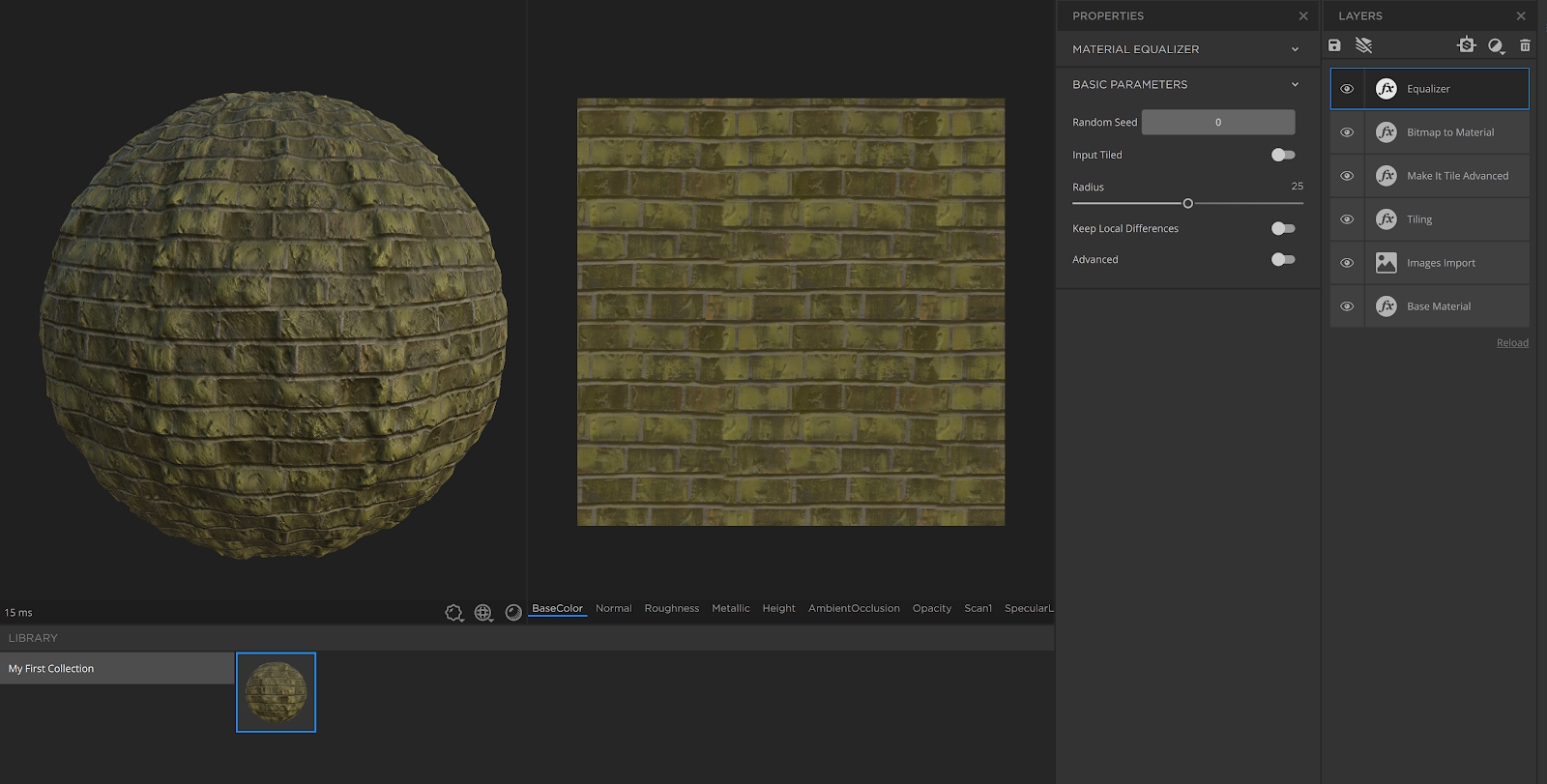
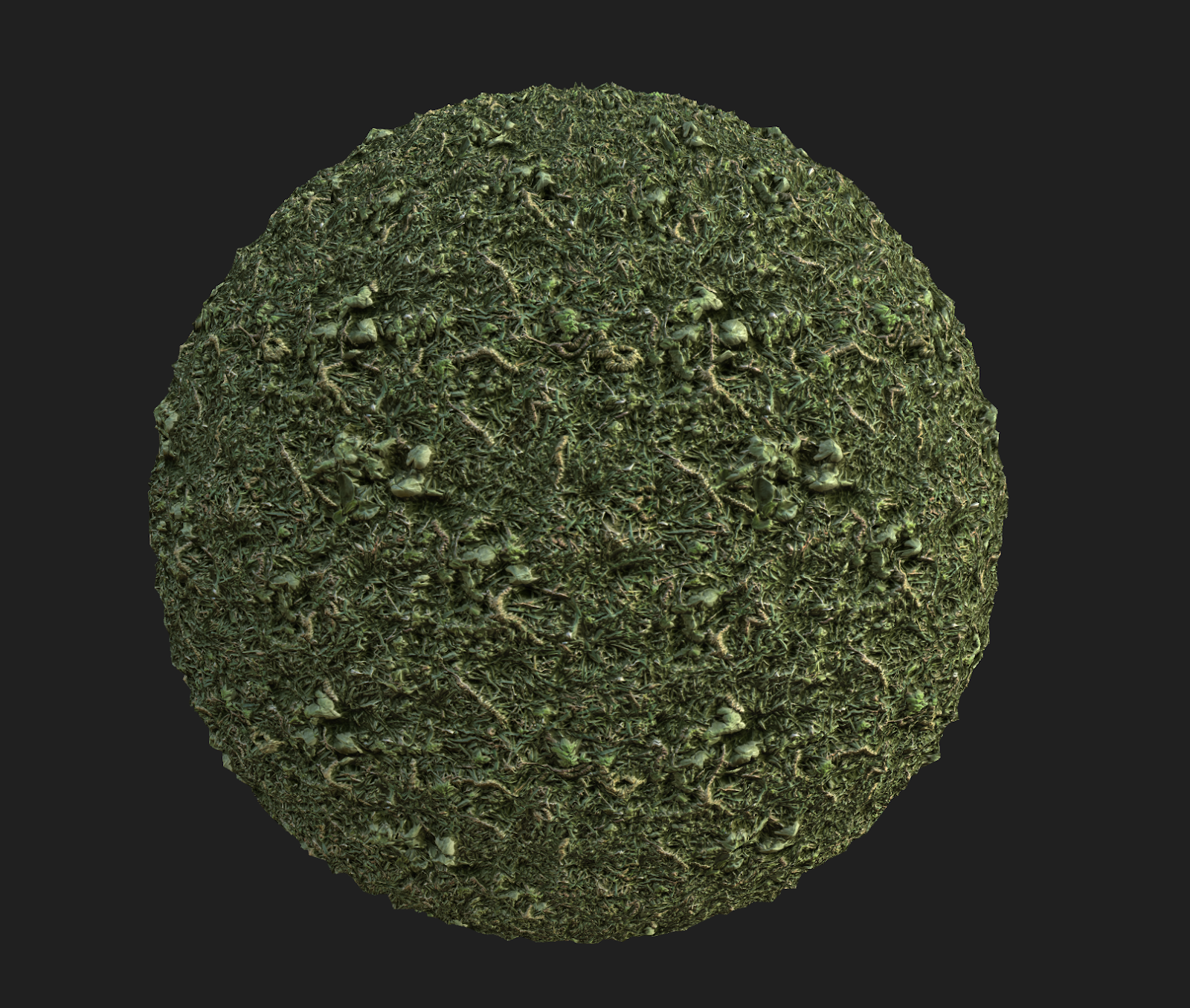
At around 20 minutes I had this. It's by no means perfect, but holy shit it was FAST. And easy to pick up.  Everything in the Alchemist document is parametric, so I could revisit and re export. (Like any Substance product, I can export all the PBR maps as image files.)


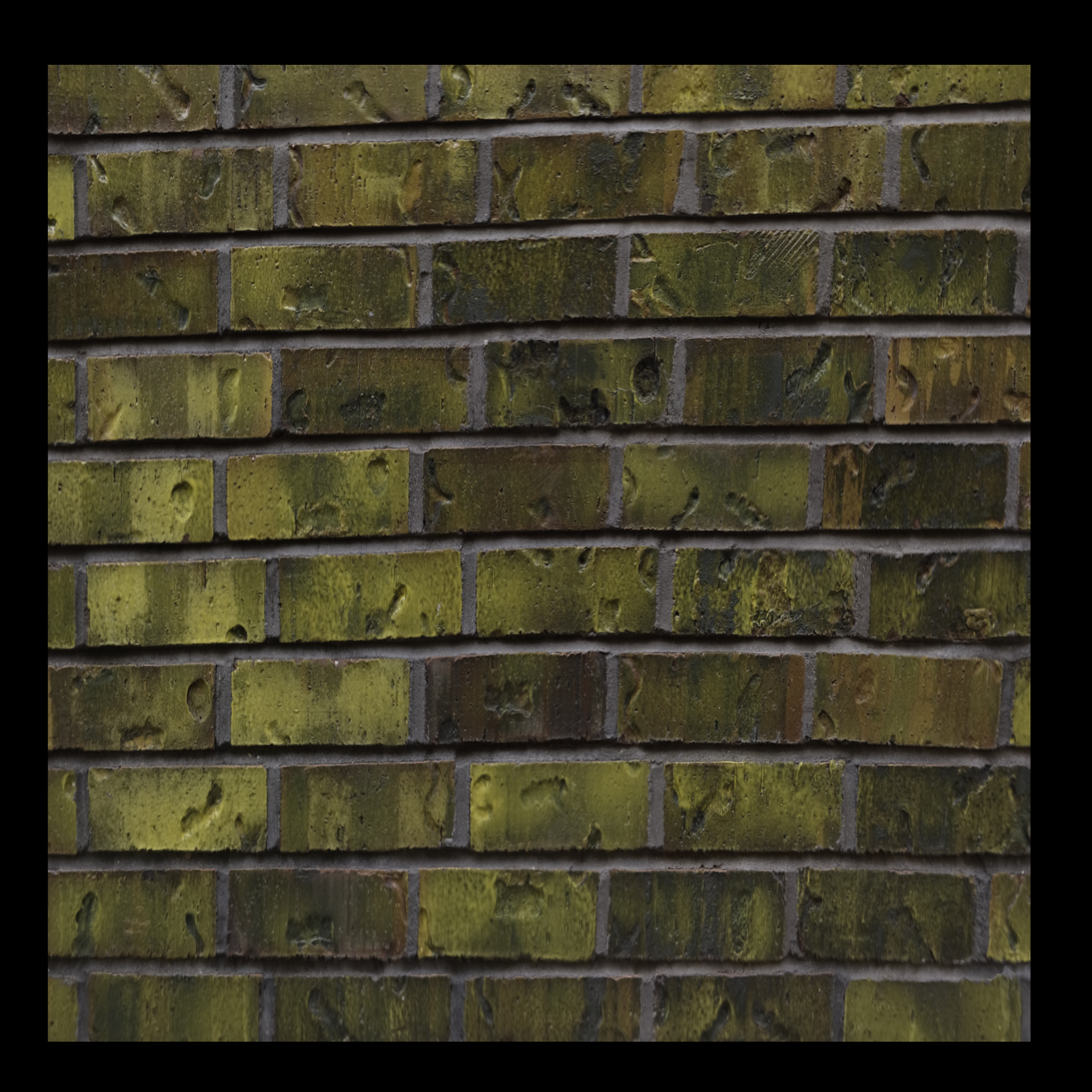
Here's the thing... one of the reasons it wasn't perfect was because I was using a re projected texture map rather than a straight photo (above) so the data already wasn't clean. If the bricks weren't distorted, I think the material would be ready to use.

So I took a few more minutes and generated more.


Here I'm correcting the perspective in Photoshop first.


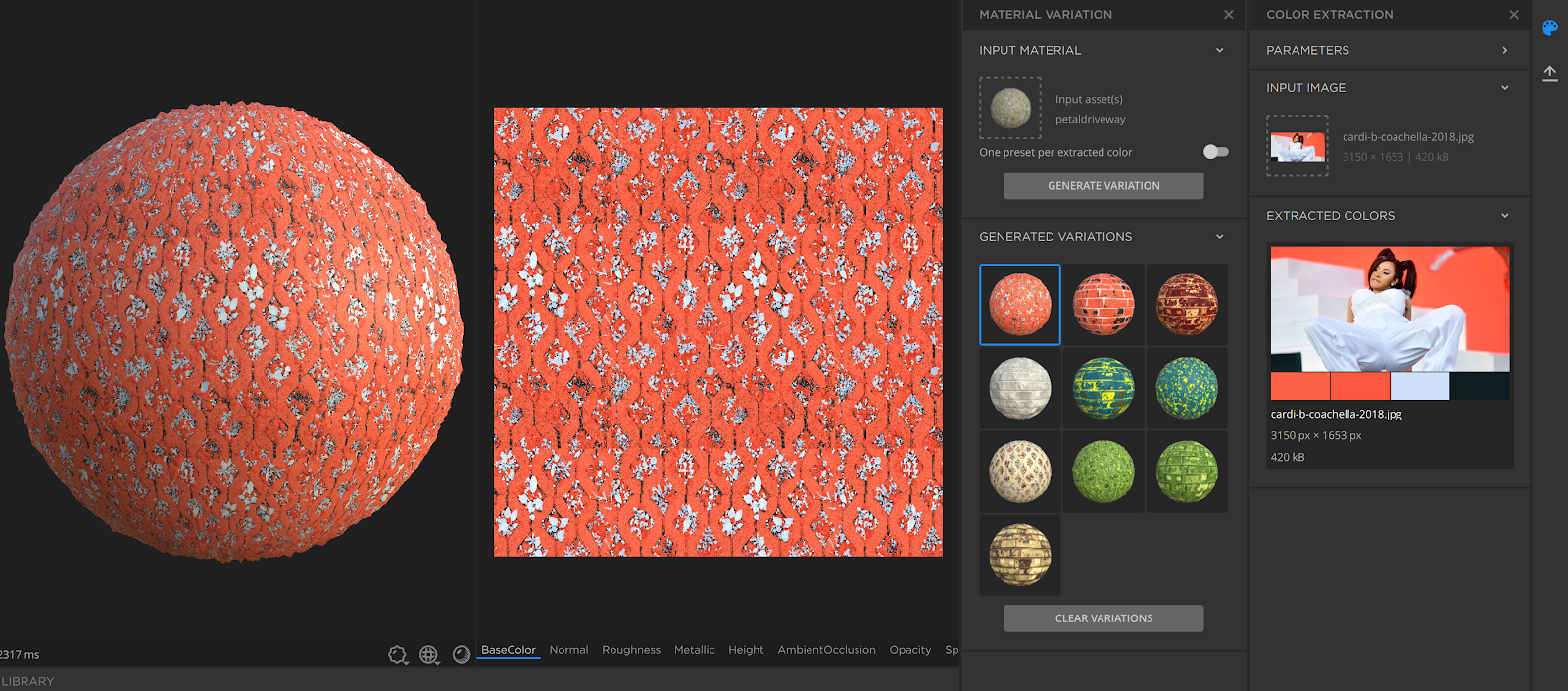
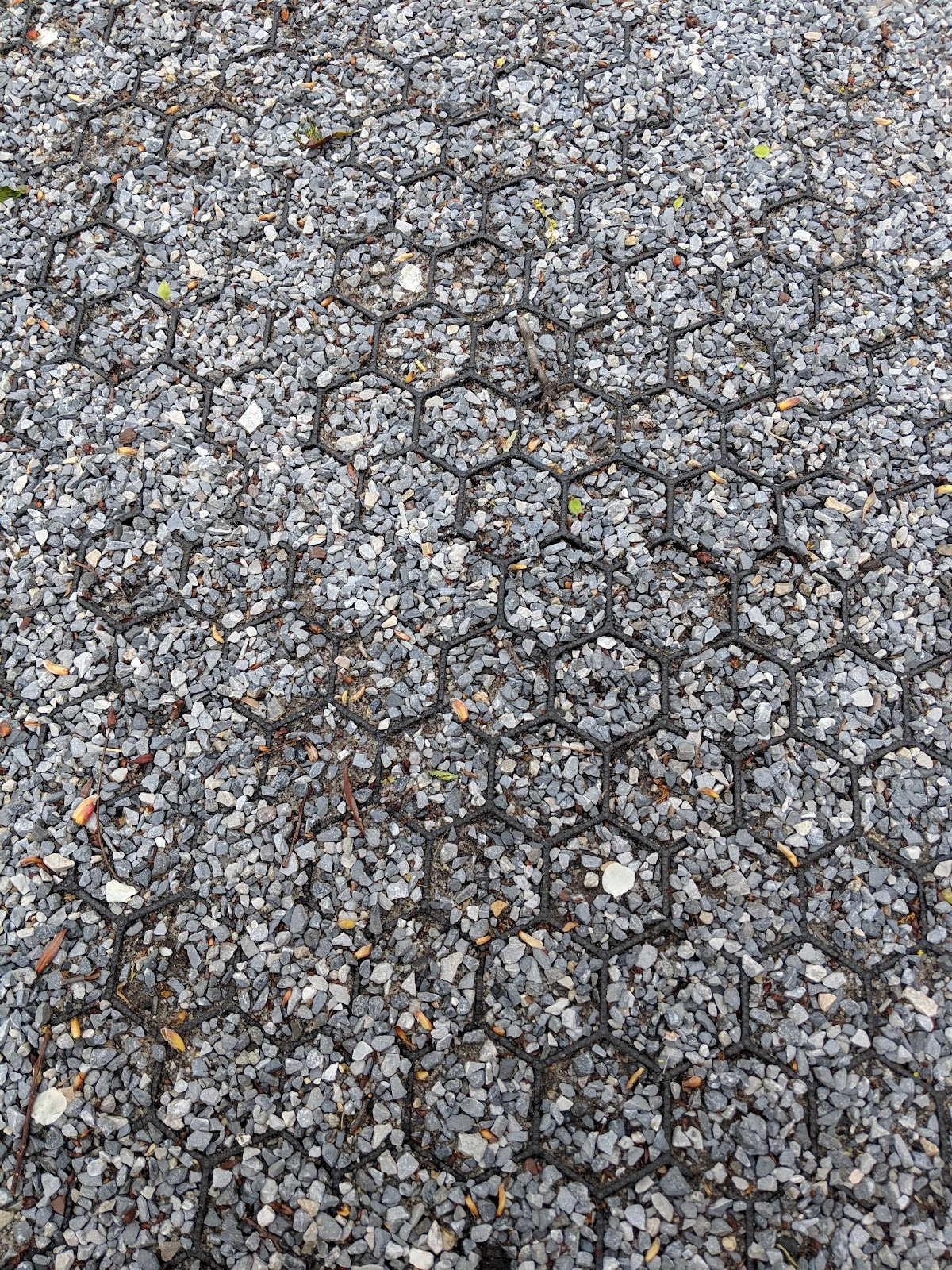
Alchemist has a feature which generates variants based on color pallets pulled from images. I could see this potentially being used to color correct a large batch of materials with an existing pallette. It's also fun.


Here I gave myself a challenge to replicate one of the materials using NO imported images and only the built in, parametric tools. This is how far I got in about 10-15 minutes.


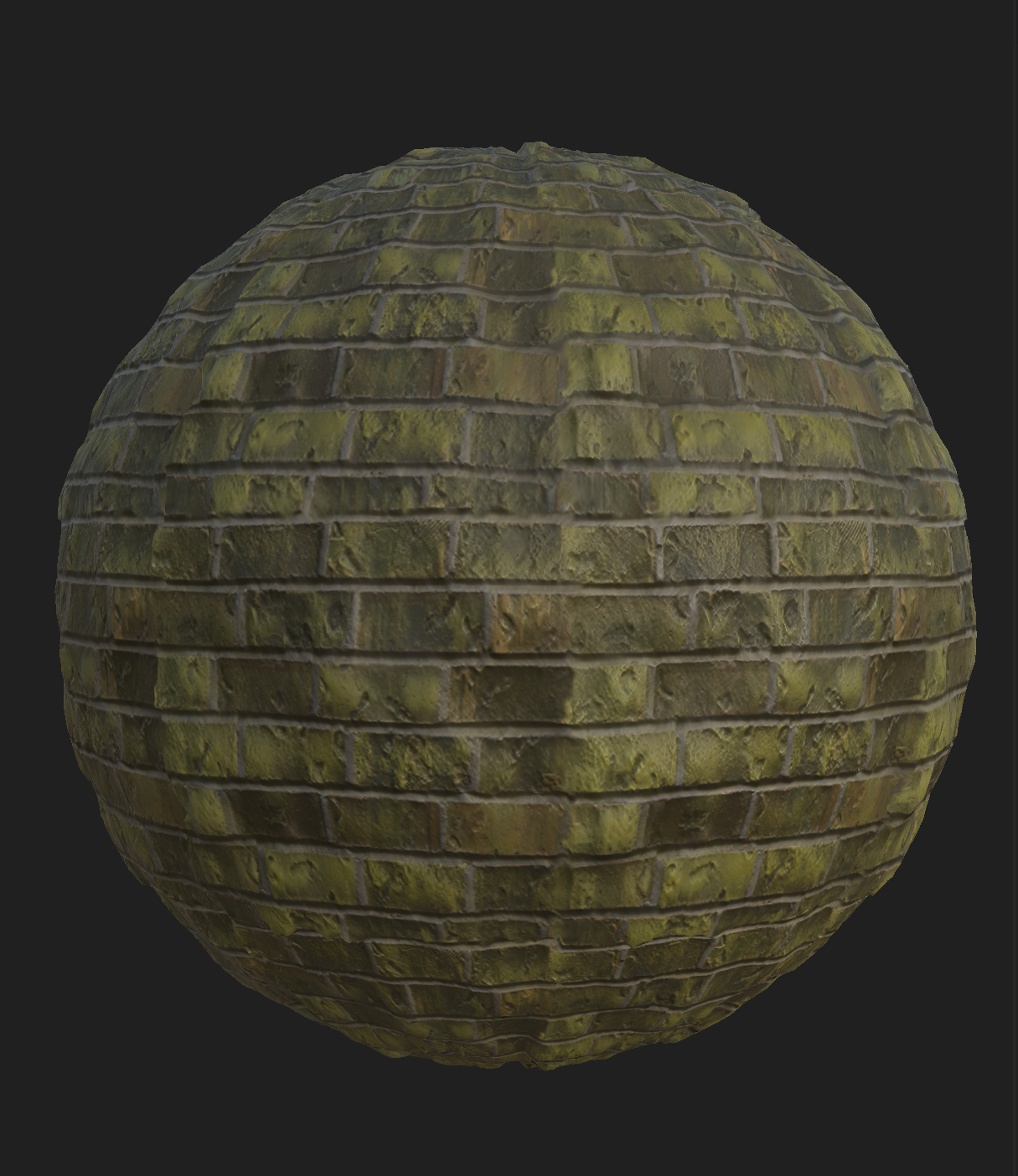
Lastly, I tested the maps in Unity with its standard shader.
 

It's never as pretty as in the Substance viewport, but the import works and is very straightforward. I'll have to play with Unity shaders a bit in the future.

Tuesday, May 14, 2019

Quain Courtyard pt1 Scouting


Quain courtyard... a small outdoor space I found on UPenn's campus, hidden in their Levine building. I technically don't have access to it, which adds an extra layer of fun. I scouted this space because it's semi enclosed, contains a lot of different materials, foliage, and overall interesting atmosphere.

Sunday, March 17, 2019

Even more on de-lighting

I wanted to build on my notes from before, to inlcude what I've worked with over the term.

Capture Best Practices

Good input = good output
It helps to shoot subjects on cloudy, overcast days. Or with diffuse lighting.
There is a tradeoff however, sometimes harsh lighting helps generate a better mesh or better surface details.

The stitching software does some amount of color correction. This is all under the hood.

Geometry Dependent Methods

The 'traditional' and more accurate way to delight a base color map would be to totally recreate the lighting conditions, to match all the realworld shadow data, then cancel them out. However, researching other methods has led me to believe that not only is this tedious, it is no longer industry standard.

Image only Methods - stripping light/shadow from base color map

Saturday, March 16, 2019

Material Scanning

Notes from this tutorial:
https://www.youtube.com/watch?v=kDMz6djZCkc
https://www.youtube.com/watch?v=dcswz_vYjiQ
https://www.youtube.com/watch?v=1W2VWCehgGg


The end results are technically correct-- tileable PBR maps all exported. They're even de-lit and color corrected.
However, the input data was sloppy. Would like to shoot again with a tripod.

See my notes after the jump.

Saturday, March 9, 2019

A gallery of failures! and a write-up on this term

I am essentially confirming to have reached a dead end with my separated mesh idea! So I used the auto mesh decimation tools and made a singular mesh version as well.

Both reconstructions of the data are, well, bad.

Here is the separated mesh in Unity


And here is the single decimated mesh in Unity


Friday, March 8, 2019

Unity Photogrammetry Guide

I have mentioned this talk before: https://www.youtube.com/watch?v=Ny9ZXt_2v2Y
and I have even mentioned the delighting tool that this team published.

But I hadn't put two and two together. Turns out there is an AMAZING photogrammetry guide that was published under this Unity research team. It is over 40 pages of best practices, equipment, and general documentation. https://unity.com/solutions/photogrammetry

And just look at their tech demo 😍 https://www.youtube.com/watch?v=q2Z1oiFDKI0


Monday, March 4, 2019

Digital Artist Residencies

I didn't learn what an artist residency was until I started working for an art college. A residency is essentially an opportunity granted to artists to create work. It may require a fee or it may provide funding to the artist. It may be on location (many involve staying in a shared communal housing) or remote. It may be based around a specific discipline or prompt. It may also expect a contribution from the artist, such as a lecture or work of art.

These programs tend to be geared towards professionals with a working portfolio, and may expect a BFA/MFA. They are different from an internship program in that they are not necessarily training their candidates for a job, but instead they tend to encourage self directed work or may be community focused.

Thursday, February 14, 2019

Getting Game-ready Models out of 3DF Zephyr

As impressive as Zephyr has been, I found a few painpoints that required the model be exported out into a different tool and brought back in to continue. In fact, this whole process required jumping back and forth between several softwares.

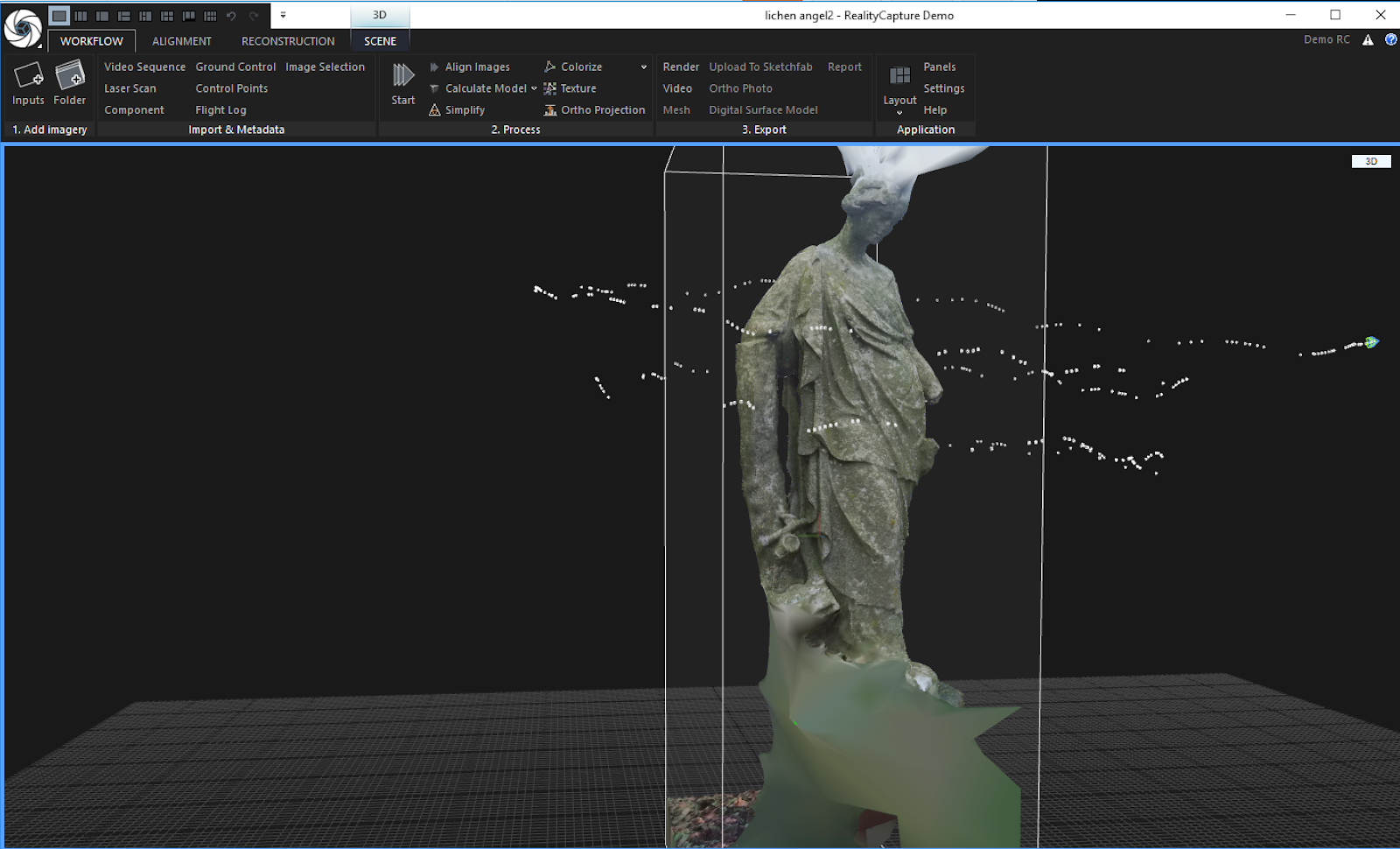
For this write up I used my Lichen Angel model. There were a couple of places I wanted to spend more time on, such as cleaning the mesh, but my priority here was documenting the steps. I hope to improve on this workflow.

Term Summary

This is my halfway report. Admittedly I have been a bit scattered this term, I realized while writing up this list.
My overall goal was to build a repertoire of reality capture tools and processes. I have greatly enjoyed discovering new processes and am wrapping my brain around the realistic scope of something like my mock project last term.


Wednesday, February 13, 2019

Testing Different Stitching Softwares, pt 3 The Mobile Boys

So far I've only looked at Desktop and Cloud stitching software solutions. It was suggested I check the app store for a solution that could be handled all on your phone! Spoiler, they all suck.


Monday, February 11, 2019

I want to scan things.

This week we were asked to present 1) a logline which describes the current place of our studies 2) three scholarly sources that inform our work 3) the ability to explain why at every point in our project.

I still stand by my original pitch--
"I want to scan things."

Tuesday, February 5, 2019

After Class, wk05

Need to move on-- worried about getting stuck in data capture.
What is your elevator pitch.
VR spaces
Beautiful Virtual SpacesAlways answer why.
Identify problems in the industry and make them suck less.


--

Next week:
** Define your logline or elevator pitch.
** Identify three new expert sources that are helping define what you want to do.
** The most important word is WHY. Explain every decision that went into your project. Why goes both ways, it comes from your sources.

Friday, February 1, 2019

Testing Different Stitching Softwares, pt 2. evaluating 3DF Zephyr

Last post I talked about trying out alternatives to Agisoft Photoscan, and realized the processing speed and quality was like night and day. I was looking at RealityCapture (RC) and 3DFlow Zephyr. Unfortunately both had extremely high price points for their license, but at that point I had tasted luxury and decided I NEED it.

Thursday, January 31, 2019

Notes on Kuzmin's "Full Photogrammetry Guide for 3D Artists"


Full Photogrammetry Guide for 3D Artists
taken from:
https://80.lv/articles/full-photogrammetry-guide-for-3d-artists/

This guide is very helpful and thorough. Kuzmin uses Reality Capture, plus some external software like ZBrush.

Tuesday, January 29, 2019

Testing different stitching softwares

After baby sitting the Lichen Angel process over last weekend (clocking in at probably 30-40 hours) I figured I should look into better methods. In general I would like to stay away from any rendering/processing time that runs more than 8-10 hours, aka overnight. A couple of people have already told me that Agisoft has not kept up with its competitors and advised me to look at RealityCapture. 

So I did-- I threw the same batch into RealityCapture and holy shit. In under five minutes I had a chunk of the same model in what looked like comparable, if not better quality. 


So I threw the photoburst batch at it as well (384 photos, some are blurry, no preprocessing). In an hour I got this:


The next thing I looked at was licensing options, which are pretty steep in comparison. The full version is 15 grand! Except that's listed in Euro, so its really $17000 USD. Yikes.
One option that I'm seriously considering is their Freelancer version, which is 100 Euro for one month, and for some reason $40/month on Steam. 


I also looked at 3DFlow Zephyr, which was a similar story. Amazing demo-- processed the same batch (well, partial batch, clamped at 50 photos) in a matter of minutes. Their price points are in the thousands of dollars range.


I have tasted luxury and now I NEED it. 

Here's everything else I've tried:

Autodesk ReCap is at the mercy of their cloud computing, but I found in general the turnaround time is about a day. Clamps picture quality, max 50 photos. Free education license.

Agisoft works but is very slow. Needs a lot of preprocessing, which they don't help you with. Temperamental, I've had it fail on me before. 


Saturday, January 26, 2019

Project Pitch

Goal: Build a virtual space based off a real world location. 


- Scout location
I'm looking for a room sized space with lots of natural elements. Maybe outside, or a greenhouse. Something with interesting design and beautiful aura. Determine scanning needs, object separations before shoot.
- Assemble equipment
Determine what can/cannot be taken out in the field. Optimize for a 1-2 person team. Might need a car. Harddrive? Plan for reshoot.
- Obtain data
In addition to 3D data, takes notes on location
- Process data
- Build a walkable level
Using the assets generated from the acquired data to recreate the space in a game engine. Should demonstrate a beautiful render and accurate capture of the real world space. Would be nice to include some additional atmospheric design such as dust particles. As a flex goal, would like to target a room scale VR build. 

--

I would like to work towards this end project in the next few weeks, aiming to complete before the end of the quarter. First time running through this process it probably makes sense to choose a location close to university city, but would like eventually to scout further away. 

Thursday, January 17, 2019

Rendering pointclouds

Collecting google research on solutions for realtime rendering point clouds.

Euclidean- 
No longer advertising game engine solutions, instead has two products that are aimed a more general scanning audience. The "Unlimited Detail" render engine is now a listed as a feature within these software solutions. I've download trials of both and will be poking around.

Atom View
Another engine like Euclidean that uses 'atoms', has beautiful demos but at the moment only advertises a private beta. This article does a comparison study.

Potree for WebGL
Interesting optimizing for web browser, might be useful elsewhere.

PCX for Unity
Looks promising, will also install and try out.

Point Cloud Plugin for Unreal
https://pointcloudplugin.com/
Straight to the point. 

GigaVoxels for CUDA/GLSL
I probably won't use this, but is interesting to read about.

Faro VR Generator for Oculus
Third party tool to bring pointclouds into VR. Pretty stunning results.


This week I'm asking: are points better than polys? Are points fundamentally different from verts, voxels, sprites, "atoms"? And ultimately, how big is TOO big for massive pointcloud datasets in realtime?

And on a tangent, Maya 2019 has just been released with some Very Exciting updates to their viewport. Everything's going realtime nerds!

Quain Courtyard pt 4, mild success